GitHub Copilot ROI is the value of the developer time Copilot saves (or the extra output it produces), minus what you pay for it, divided by what you pay for it. At $19 per seat per month on Copilot Business, a developer only needs to save about 12 minutes a month at a $100 loaded hourly cost for the seat to pay for itself, so the real question is not whether Copilot can pay back, but whether it does in your organization.
That depends on how many of your licensed developers actually use it, how often, and whether faster coding turns into faster delivery. Below you will find a simple ROI formula with a worked example, what the widely quoted "55% faster" study actually measured, what newer research shows, and what GitHub's own metrics can and cannot tell you.
Use this formula:
Copilot ROI = (value of time saved - Copilot cost) / Copilot cost
Where:
GitHub's current prices. Copilot Business costs $19 per granted seat per month and Copilot Enterprise costs $39 per granted seat per month (GitHub Docs: Copilot plans). Each plan includes a monthly pool of GitHub AI Credits (1,900 per user on Business, 3,900 on Enterprise). Code completions and next edit suggestions do not use credits, and admins decide whether paid usage beyond the pool is allowed, billed at $0.01 per credit (GitHub Copilot plans).
Assumptions (replace them with your own numbers):
| Input | Value | Why |
|---|---|---|
| Seats | 200 on Copilot Business | Example team size |
| Price | $19 per seat per month | GitHub list price |
| Paid usage beyond included credits | $0 | Admin has not enabled paid usage |
| Developers who use Copilot in a typical month | 120 (60% of seats) | Assumption. Many seats go unused, so measure this |
| Hours saved per active developer per month | 4 | Assumption, about 1 hour a week |
| Loaded hourly cost per developer | $100 | Assumption: salary plus benefits and overhead |
Break-even is low. At $19 and $100 an hour, each seat pays for itself at 0.19 hours (about 12 minutes) saved per month. On Enterprise at $39, break-even is about 23 minutes.
Two lessons from the example:
You can model your own inputs with the Worklytics AI ROI calculator.
AI coding assistants have quickly gone from novelty to mainstream. Tools like GitHub Copilot, Microsoft’s Copilot suite, and others are being embedded in IDEs to help developers write code faster and with less friction.
Why focus on ROI? For engineering executives and business leaders, any new tool or technology must justify itself in terms of the tangible value it delivers.
ROI for Copilot can be viewed in multiple dimensions:
HR managers and people analytics professionals are interested in how Copilot might reduce burnout or upskill employees.
One of the most direct ways Copilot delivers value is by helping developers complete tasks faster. Both self-reported surveys and controlled experiments show significant productivity gains. In GitHub’s large-scale survey of over 2,000 developers, 88% of respondents felt more productive when using Copilot

The "55% faster" figure comes from a controlled experiment GitHub published in September 2022 (GitHub research post). GitHub Next ran it with the Microsoft Office of the Chief Economist. Here is what it tested:
The same post reports a separate survey of more than 2,000 developers from Copilot's technical preview, where over 90% agreed they complete tasks faster with Copilot. That is a perception survey, not a measurement.
More recent studies, run on real work rather than one lab task, point to smaller but meaningful gains, with wide variation:
The pattern: gains are real but depend on the developer, the codebase and the task, and people's sense of their own speed-up is not reliable. That is why ROI has to be measured in your own data, not borrowed from a headline.
Speed isn’t the only factor in developer productivity. Good ROI means achieving efficiency without degrading quality (in fact, ideally improving it). A comprehensive analysis of Copilot must, therefore, look at code quality and reliability metrics. Here, the data is encouraging: Copilot’s assistance appears to maintain or even boost certain quality indicators in software delivery.
One measurable metric is the pull request merge rate – the percentage of PRs that pass code review and get merged into the codebase.
At Accenture, teams saw a 15% increase in PR merge rate after adopting GitHub Copilot. In simple terms, not only were developers submitting more code changes, but a higher fraction of those changes were accepted and merged, suggesting the code met the team’s quality standards more often.
Treat vendor-run case studies like this as a signal of what to measure (merge rate, build success, review time), not as a forecast for your own teams.
Beyond the hard metrics of code and time, there’s a human dimension to Copilot’s ROI that organizations should measure: developer satisfaction and well-being. Writing software is a creative, mentally intensive activity, and anything that makes developers happier and less frustrated can have indirect but substantial returns (through higher engagement, lower turnover, and a culture of innovation). Interestingly, one of the most pronounced effects of GitHub Copilot observed in studies is the boost to developer morale and flow.
The ROI implications of improved developer satisfaction are significant yet sometimes overlooked. Happy developers tend to be more productive, more cooperative, and more creative. Research has shown that satisfied developers perform better and produce higher-quality work.
GitHub now offers a Copilot usage metrics dashboard, a Copilot impact dashboard and a Copilot usage metrics REST API for enterprise and organization admins (GitHub Docs: Copilot usage metrics).
What they show:
Data arrives within two full UTC days, and the usage dashboard shows 28-day trends.
What they leave out:
For a fuller list of Copilot metrics worth tracking, see our guide from Copilot adoption to real efficiency.
To truly understand Copilot’s impact, organizations should approach it as a scientific experiment or a continuous improvement project. Here are some best practices for conducting a metrics-driven evaluation of Copilot in your context:
Worklytics fills the gaps above by putting Copilot usage next to the rest of your work data, aggregated and pseudonymized, without reading code, prompts or message content.
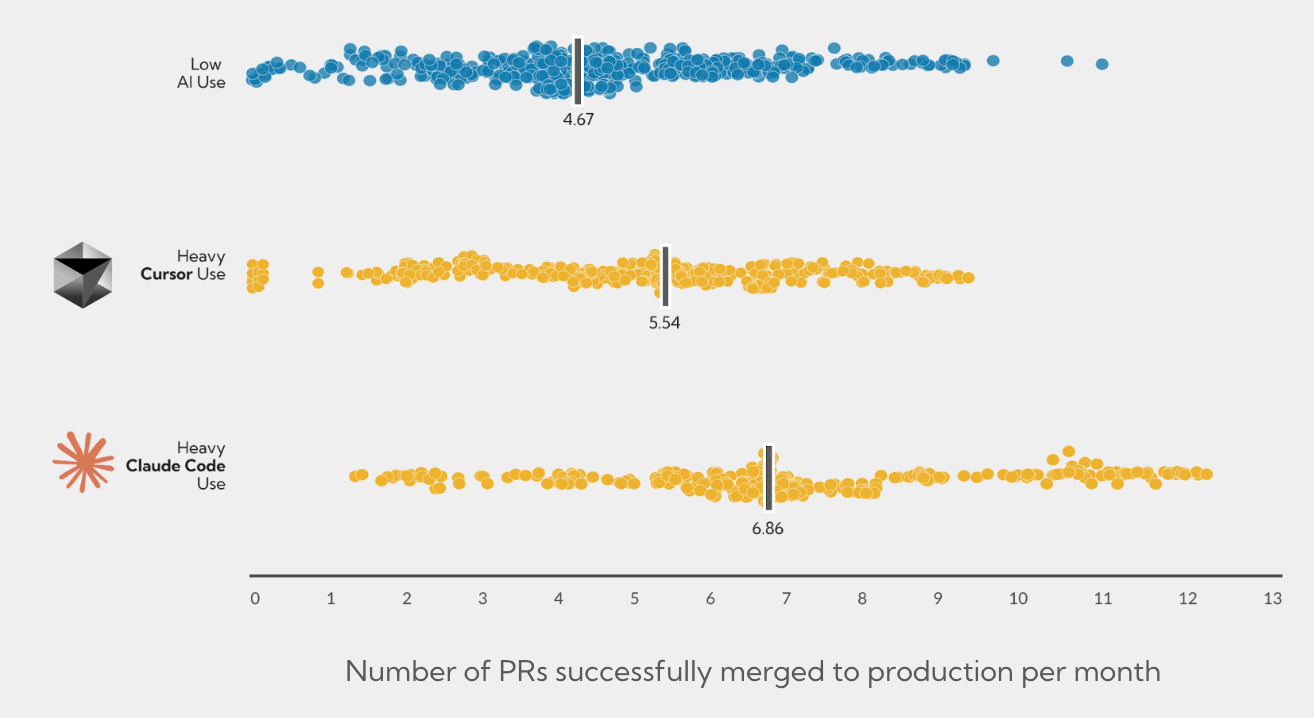
Copilot adoption by team. Worklytics reads GitHub's Copilot seat and usage data daily and reports, for each period, whether people used Copilot, their active days and days since last use, and which editor they were last active in. Because it counts observed activity rather than assigned seats, you see the real active-user number, which is the input that matters most in the ROI formula. Usage is reported by team and role, so you can see which groups have adopted Copilot and which are lagging.
Copilot next to engineering output. Copilot data sits alongside general GitHub activity from the GitHub connector, so you can compare work patterns for heavier and lighter Copilot users over time.
All your AI tools in one view. Worklytics also tracks coding assistants such as Cursor and Claude Code, and workplace AI such as Microsoft Copilot, Gemini, ChatGPT and Claude, so Copilot ROI is not judged in isolation.
What Worklytics does not show: GitHub's seat API provides last-activity and seat data only, so Worklytics does not report per-suggestion detail such as suggestions accepted or rejected. For that, use GitHub's own dashboards and combine the two.
Turning data into action. The loop is simple: measure usage, find teams with low adoption, give them targeted training or support, and measure again. See how to measure GitHub Copilot's impact on your team and the Worklytics AI adoption dashboard.
The age of AI-assisted development is here, and GitHub Copilot is leading the charge in reshaping how software is written. For organizations, the key to benefiting from this technology is not blind adoption but measured adoption.
Leverage metrics and analytics to illuminate the results. A metrics-driven analysis will validate the wins, uncover areas for growth, and ensure that your investment in AI tools pays back dividends in productivity, quality, and developer happiness.
It depends on how many of your licensed developers use it and how much time it saves them. The formula is (value of time saved minus Copilot cost) divided by Copilot cost. At $19 per seat per month and a $100 loaded hourly cost, a seat pays for itself after about 12 minutes saved per month, so in most organizations active usage and real time saved drive the result, not the license price.
In one 2022 GitHub experiment, 95 developers wrote an HTTP server in JavaScript, and those using Copilot finished 55% faster on average (1 hour 11 minutes versus 2 hours 41 minutes). That was a single, well-defined lab task. Later field studies on real work found smaller and more varied effects, such as a 26% increase in completed tasks across 4,867 developers at Microsoft, Accenture and a Fortune 100 company.
Copilot Business costs $19 per user per month and Copilot Enterprise costs $39 per user per month. Each plan includes a monthly pool of GitHub AI Credits, and admins can choose whether to allow paid usage beyond it at $0.01 per credit.
Start with a baseline of delivery metrics such as cycle time, pull requests merged and build success, then track active Copilot usage by team for several sprints. Compare teams and periods with higher and lower usage instead of relying on self-reported time savings. GitHub's usage metrics show adoption and pull request activity, and a platform like Worklytics adds team-level breakdowns from your HR data and other AI tools.
The Copilot usage metrics API reports active users, engagement by feature, IDE, language and model, suggestion acceptance rates, lines of code suggested and added, and pull request activity, at enterprise, organization, repository and user level. It does not break usage down by your own departments or managers, and GitHub's ROI estimates are only available in the dashboard, not the API.